Integrations
Integrations with other modules can break when either module updates. Please report problems, see Feedback.
Gamelog works with other Foundry modules. Install and enable the other module in your world first, then check Gamelog Config → Integrations, which lists the modules it found.
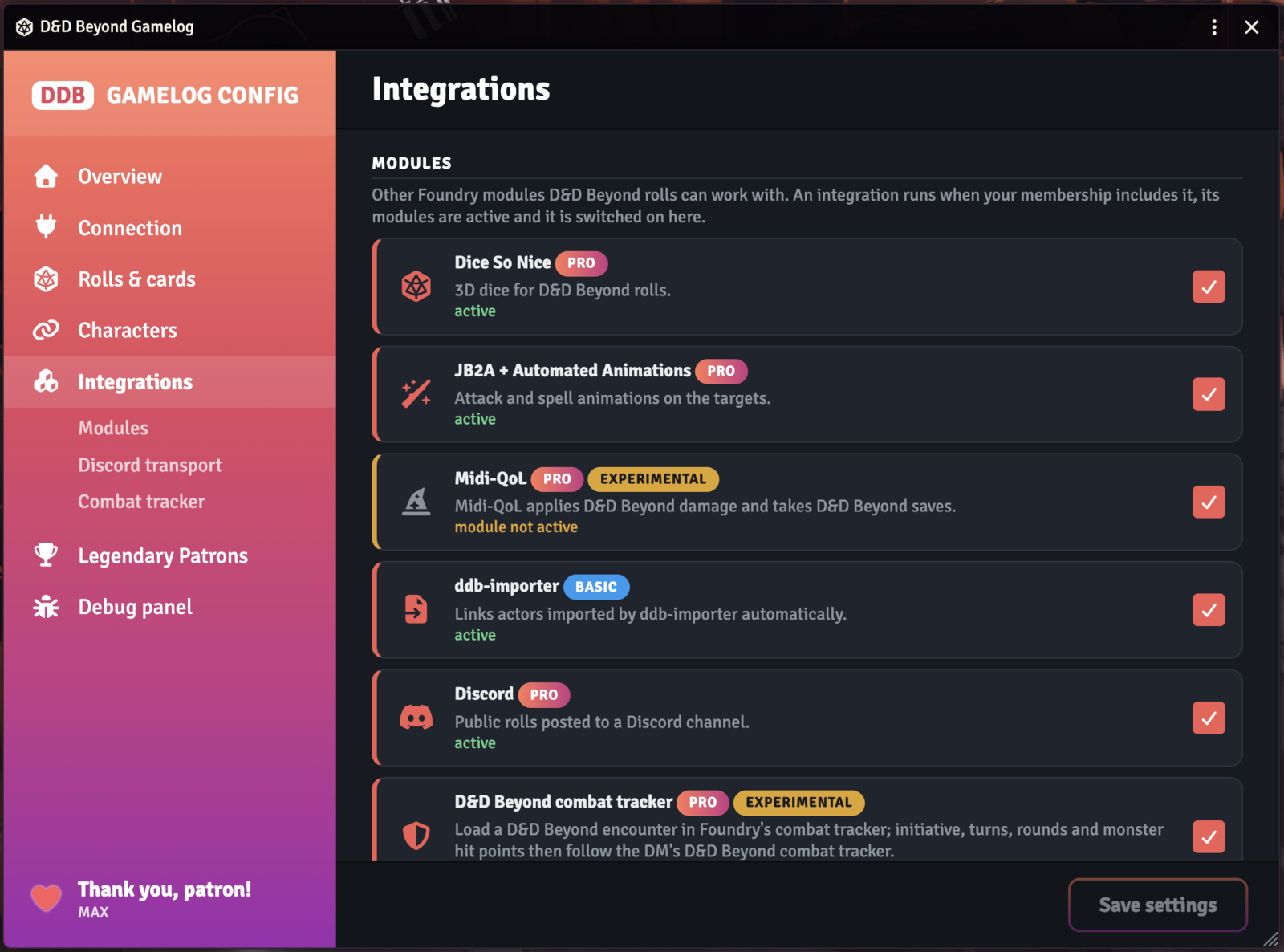
| Module | What it does with Gamelog | Tier |
|---|---|---|
| ddb-importer | Links imported actors automatically | Basic |
| Midi-QoL | Applies D&D Beyond damage and takes D&D Beyond saves | PRO, experimental |
| Dice So Nice | 3D dice for D&D Beyond rolls | PRO |
| JB2A + Automated Animations | Attack and spell animations on the targets | PRO |
Tested with Midi-QoL 13.0.66 and ddb-importer 7.5.7, on Foundry v14.369 with dnd5e 6.0.6 and on Foundry v13.351 with dnd5e 5.3.3. Other recent versions usually work; tell us when one does not.
ddb-importer
Needs: the ddb-importer module, and actors imported with it. Tier: Basic.
Actors imported by ddb-importer are linked to their D&D Beyond character automatically. See Character linking.
Midi-QoL (experimental)
Needs: the Midi-QoL module. Tier: PRO. Status: experimental.
Midi-QoL applies D&D Beyond damage and takes D&D Beyond saves. This works, but may change or break with updates of Midi-QoL. Please report problems.
There is nothing to set up in Midi-QoL itself. Install and enable both modules, and keep the Midi-QoL switch on in Gamelog Config → Integrations.
Dice So Nice
Needs: the Dice So Nice module. Tier: PRO.
D&D Beyond rolls are shown as 3D dice.
JB2A + Automated Animations
Needs: the JB2A and Automated Animations modules. Tier: PRO.
Attack and spell animations play on the targets.
Both the free JB2A module and the JB2A Patreon module work. The free one covers fewer effects, so some attacks and spells have no animation.