Legendary Patrons
Tier: MAX, current or former.
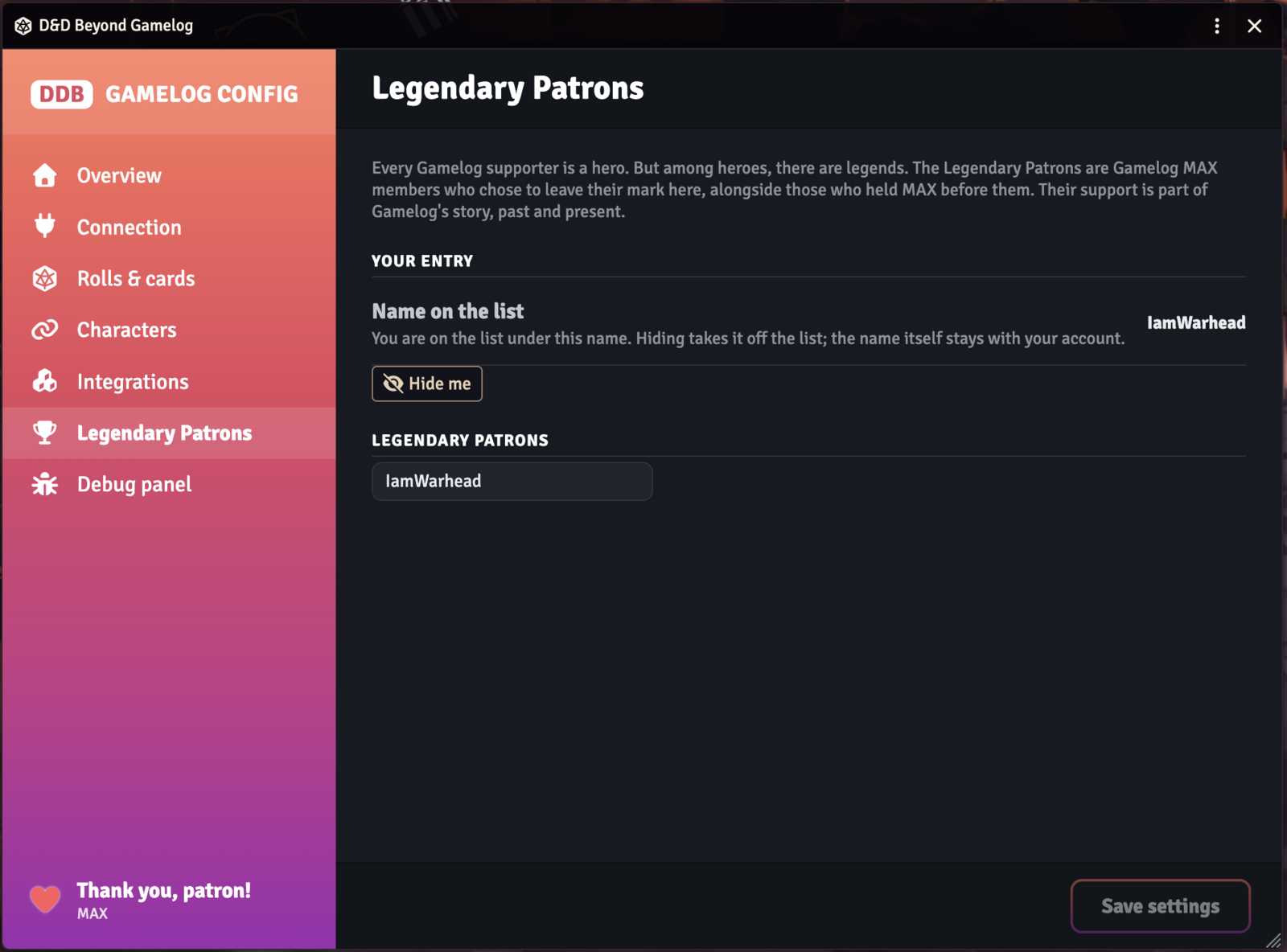
Gamelog Config has a Legendary Patrons page. It lists the people who hold Gamelog MAX and chose to be on it, together with those who held MAX before.
| What | Tier |
|---|---|
| Being on the list | MAX, now or in the past |
| Seeing the list | everyone |
Put your name on it
Open Gamelog Config → Legendary Patrons. If you qualify, there is a field at the top: type the name you want to be shown and press Put me on the list.
- Nothing appears until you do this. Nothing is taken from your Patreon profile.
- Any name works: your own, your character’s, your table’s running joke.
- The list is public inside the module. Everyone who opens that page, in any world, sees it.
The name is chosen once. It stays with your Patreon account and cannot be edited afterwards, so pick one you will still like later.
Hide and show
Hide me takes your name off the list. The name itself stays with your account, so Show me again puts the same one back. There is no way to swap it for a different name; ask on Discord if a name has to be changed or removed for good.
If your MAX ends
You stay on the list, in the second group, under “And those who were”. Nothing to do, and nothing is lost if you come back later.
Good to know
- The list is served by the Gamelog server and cached for a few minutes, so a change can take a moment to appear for other people.
- While a change is being saved the button reads Saving… and cannot be pressed again. If the server does not confirm it, the page says “Your entry did not change. Try again in a moment.” and you can repeat it.
- If the list cannot be loaded, the page says so and offers Try again. It does not retry by itself, and it has no effect on anything else in the module.